.jpg)
How Do I Place an Order?
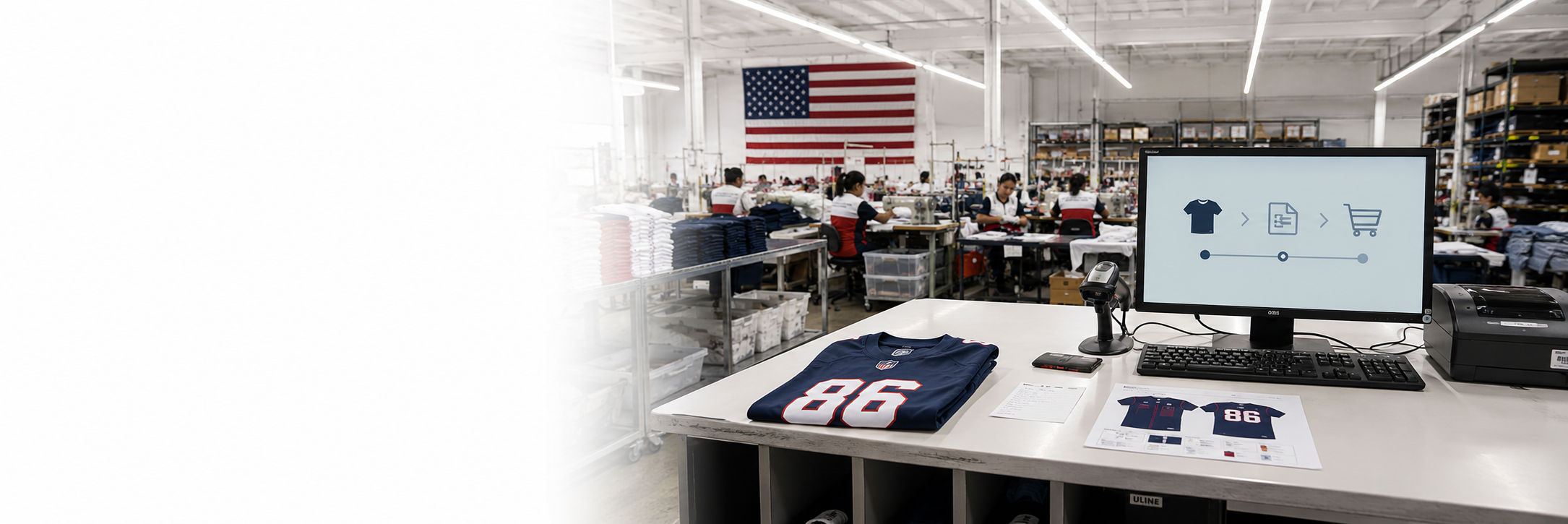
Orders should be submitted through the LA Sublimation portal so production details, artwork, quantities, billing, and tracking stay connected.
How it works
- Sign in and select Create Product or choose an existing product from your account.
- Select the LA Sublimation style and upload the correct print-ready artwork.
- Enter sizes, quantities, personalization, and any approved finishing options.
- Add the product to your cart and review the order summary, pricing, add-ons, and shipping address.
- Complete checkout and payment. Your order will appear on the dashboard after submission.
Before submitting: Confirm the style number, artwork, sizes, quantities, names and numbers, shipping address, and production deadline. Submitted orders move quickly into production.