.jpg)
Manual Checkout
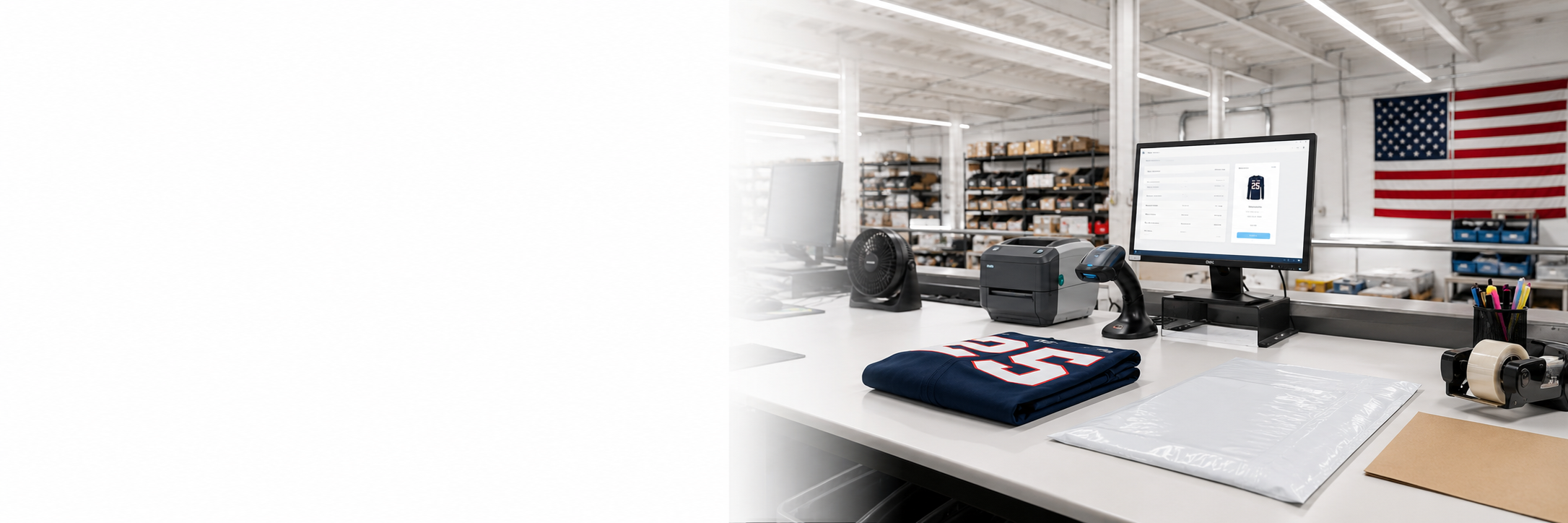
Manual checkout is the standard way to place a single product order or a manageable group of products directly inside the portal.
How it works
- Open Products or Create Product.
- Choose the correct style number.
- Upload the design file and enter the art name.
- Select every required size and quantity.
- Add personalization or finishing options when applicable.
- Add the item to the cart, review all details, and complete checkout.
Best for: Samples, bulk orders, restocks, and orders that do not require a large roster upload.