.jpg)
How Do I Create a Product?
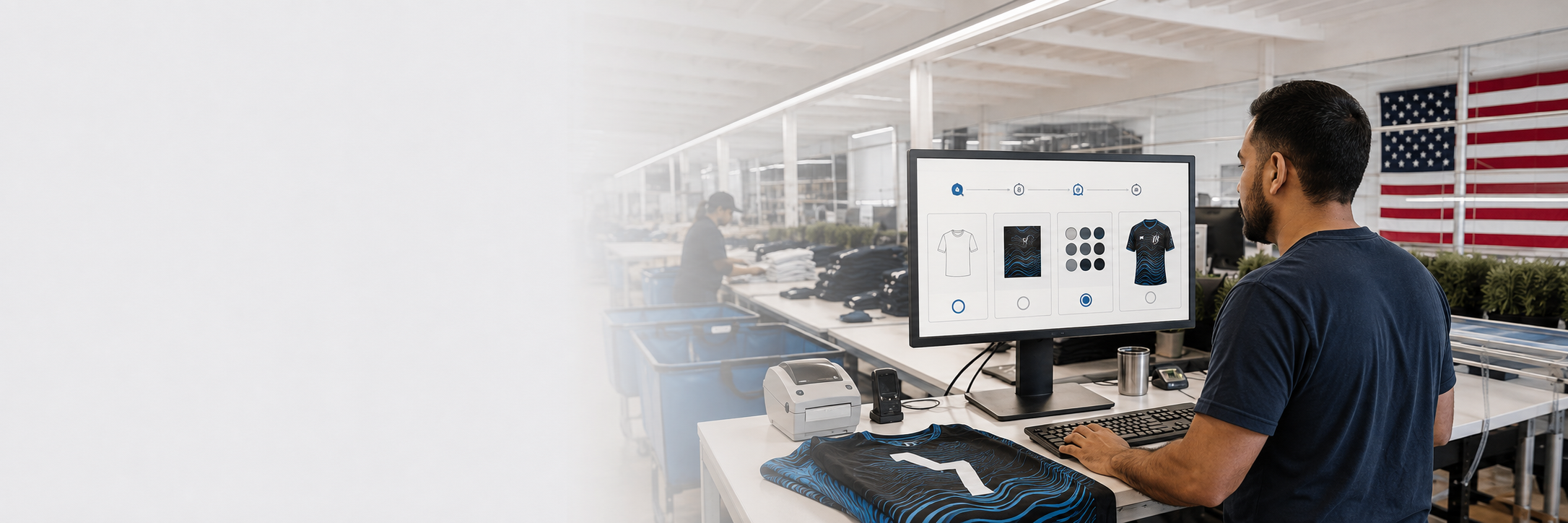
CREATE YOUR PRODUCT
For a static design:
- Select Create Product.
- Choose the correct LA Sublimation style.
- Enter your product name.
- Choose thread color: Black, White, or Match.
- Choose trim color, if applicable.
- Click Create Product.
- Upload the correct print file for each size.
- Click Save.
SKU & FILE NAMING
Your print files must match the SKU format in the SKU document linked below.
https://la-sublimation.helpscoutdocs.com/article/89-product-skus
Only change:
- Design name
- Size
Use these exact size names:
XS, SM, MD, LG, XL, 2XL, 3XL, 4XL, 5XL
Everything else in the SKU stays the same.
PERSONALIZED SPORTS ORDERS
For names, numbers, or roster information, use the CSV Import process:
https://la-sublimation.helpscoutdocs.com/article/103-csv-import
COLOR NOTE
Screen colors may not exactly match finished fabric. Order a sample if color accuracy is critical.
PRODUCT DESIGNER COMING SOON
We’re building a browser-based Product Designer so you can design and build products directly inside the portal.