.jpg)
How Do I Design My Product?
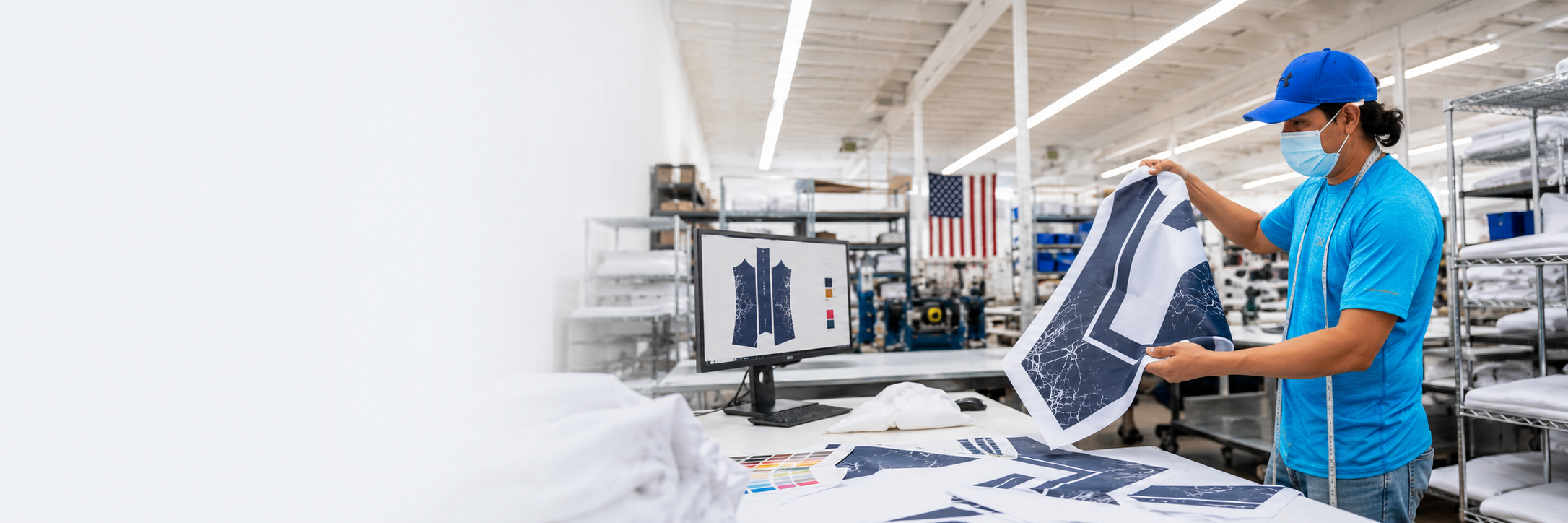
USE THE CORRECT TEMPLATE
Download the template for the exact style number and size range. Do not reuse artwork from a similar garment unless the template is confirmed to be identical.
BUILD PRODUCTION-READY ART
Keep important logos, names, numbers, and sponsor marks inside the safe areas. Extend backgrounds and patterns through the bleed, outline fonts, and preserve all required production layers and guides.
SAVE EACH SIZE SEPARATELY + USE THE CORRECT SKU
Once your design is complete, save each product size as a separate production file using the correct LA Sublimation SKU naming format.
This is important because you’ll use these individual size files when you later Create a Product inside the LA Sublimation Production Portal and load the corresponding artwork for each size.
SKU & File Naming Guide:
https://la-sublimation.helpscoutdocs.com/article/89-product-skus
SUBMIT FOR PRODUCTION
Once your files are prepared and named correctly, create your product in the Production Portal, load the appropriate size files, review your setup, and submit your order for production.
COLOR NOTE: Colors displayed on a screen are not guaranteed to match the finished fabric exactly. If color accuracy is critical, we recommend ordering a sample before production.
PRODUCT DESIGNER COMING SOON
We’re also developing a browser-based Product Designer that will allow you to build and design products directly through our platform. Stand by for updates.